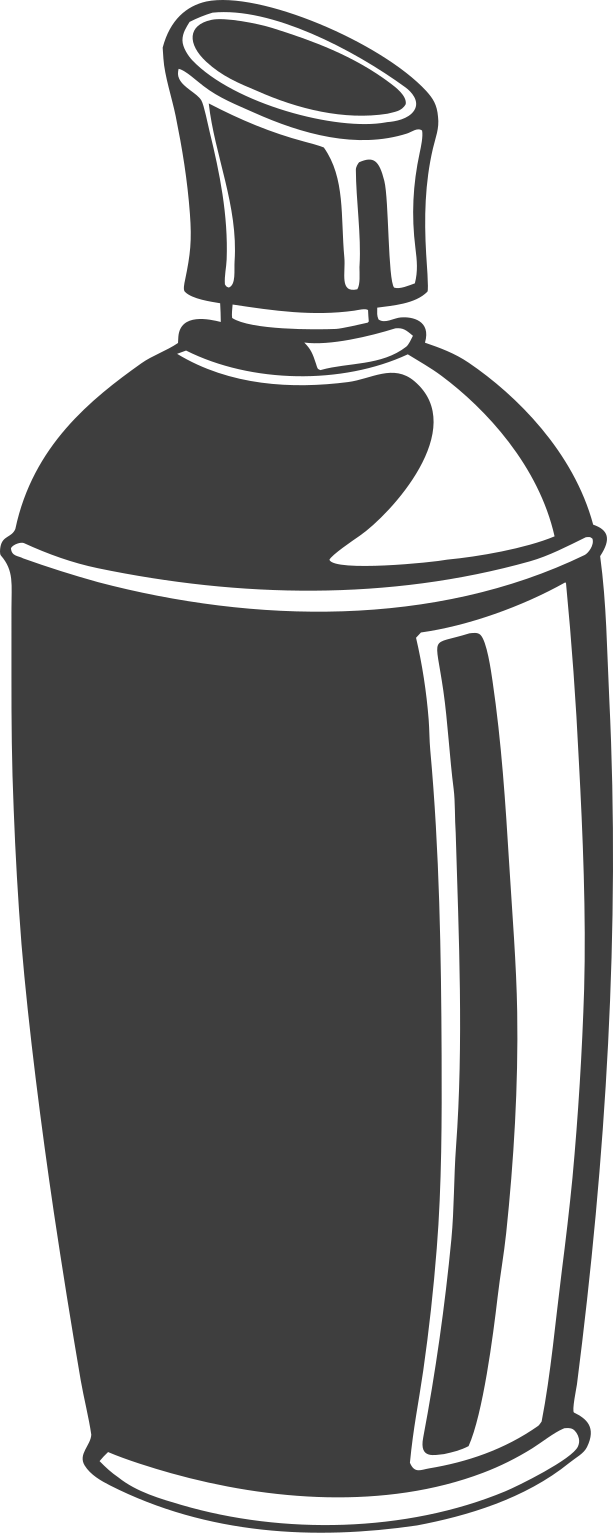
Spray can
A lost cursor, a shaken mouse, and a can of paint that didn't belong on the hero.
Why this exists
It started with a lost cursor. On a Mac, when you can't find the pointer you shake the mouse and it swells until you can spot it. One day that gesture read as something else entirely: that is exactly how you shake a spray can. The interaction was already in my hand — it just needed a can on the end of it.
The first version was going to be the hero of this portfolio. You'd land, shake, and tag the page. It was too much. A hero has one job, and a can of paint fighting the headline for attention was chaos, not delight. So I dropped it from the hero, but not the idea. It became its own room, where the question could be how far can the mechanics go rather than how quietly it can sit.
How it works
The can is the cursor. Shakes are counted from fast, short, horizontal reversals of the mouse; five of them load a can. Holding the button stamps a colourised brush along the stroke — one grey brush PNG, tinted through an offscreen canvas, rotated and faded a little differently every time. Three caps change its size, density and drain. Hold still and the paint runs.
Underneath is a small physical model of the can. Pressure drops while you hold the nozzle (boiling propellant cools the can) and recovers when you let go. As the paint runs out the jet thins, the nozzle starts to ring at a rising pitch, and the dip tube gargles. That one model drives the sound — every hiss, rattle and click is synthesised in Web Audio, no samples — and the paint, so when the can spits you hear it and see it in the same frame.
How it got here
- The cursor experiment: a can for a pointer, a fill level, brush stamps, the radial "shake" hint. It was meant for the hero.
- Dropped from the hero. Moved into the portfolio as its own page, with the site's type and nothing else — the only way to clear the wall was to reload.
- The toolbar, sound and the can model. Two edge rails became one dock. Shuffle replaced a "five shakes changes colour" rule nobody ever discovered. Drips, walls, undo, screenshot.
Not built yet
- Distance from the wall on the scroll wheel — closer is tighter and drippier.
- Stencils, a timelapse replay, a wall that remembers other people's tags.
- A phone version where you shake the actual phone.
Controls
- 123 Skinny · Fat · Flare cap
- QE Previous / next colour
- X Shuffle colour on reload
- W Change wall
- Z Undo
- C Clear wall
- S Screenshot
- M Sound on / off
- ? This sheet
- Esc Close
Built by Divyansh Rastogi. Desktop only, on purpose — it's a pointer interaction.